Romoss
Wholesale prices — for partners only
Register as a B2B partner to see prices, stock levels and place orders.
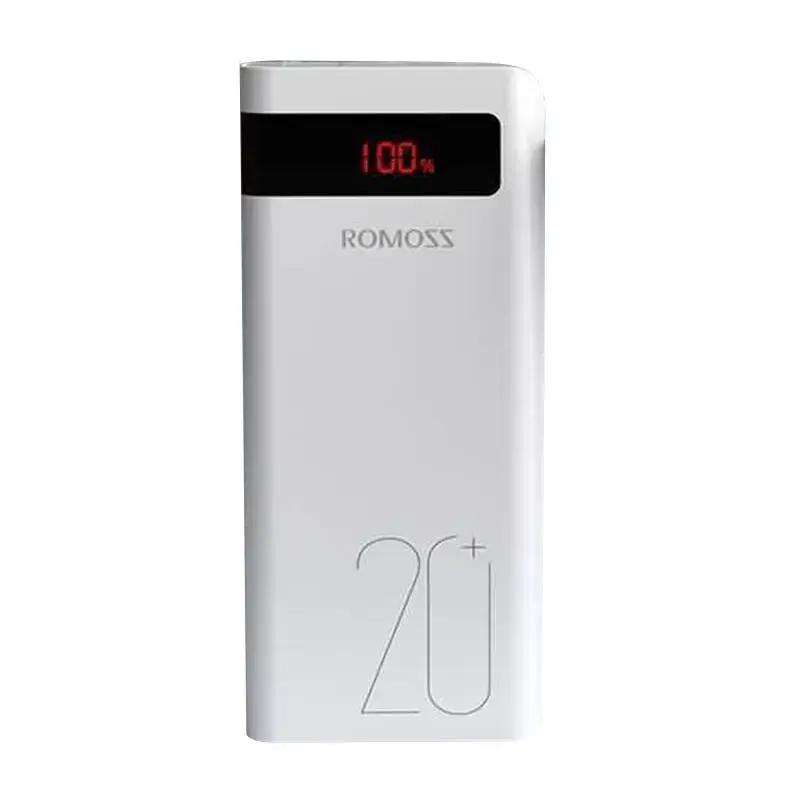
Register to see prices Already a partner? Log inStay powered up wherever life takes you with the Romoss Sense 6PS+ 20000mAh Powerbank. Designed for those who demand efficiency and reliability, this high-capacity portable charger ensures your devices are always ready to go, featuring fast-charging technology and the ability to power multiple devices simultaneously.
Instant Charging Performance
Stop waiting around for your devices to power up. The Sense 6PS+ supports advanced fast-charging protocols, capable of boosting an iPhone battery to approximately 50% in just 30 minutes.
Versatile Connectivity
Equipped with three output ports (one USB-C and two USB), you can charge a smartphone, tablet, and console all at the same time. Recharging the powerbank itself is equally flexible, featuring three input ports: USB-C, Lightning, and micro USB.
Safety First
Engineered for complete peace of mind, the device includes comprehensive protection against overcharging, overcurrent, over-discharge, overvoltage, and short circuits. It is also travel-friendly and safe for use on airplanes.
Massive Capacity & Compatibility
With a 20,000 mAh capacity, this powerbank provides multiple charges for your favorite devices, including iPhones, Huawei and Samsung smartphones, and even the Nintendo Switch. The integrated LED display keeps you informed of your remaining battery level at a glance.
Key Specifications
What's in the Box