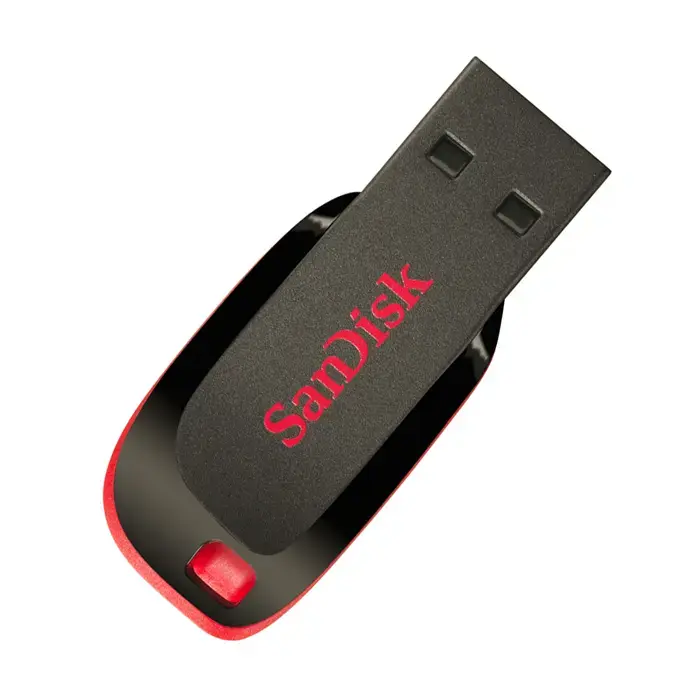
The Cruzer Blade USB flash drive is compact, so it fits easily in your pocket and is always close at hand. It has SanDisc's signature black and red design and works perfectly with most devices. Despite its compact design, the Cruzer Blade has room for many of your favourite files. Adding files to the USB flash drive is simple and requires no software or drivers to install, so you can start storing and copying your files immediately. Just plug the USB drive into a USB port on your computer, then drag and drop your files into a folder on the drive.
Cookie Settings
You can choose which types of cookies we are allowed to use. Necessary cookies are always active.
For more information about the cookies used, see the Cookie Policy.
Cookie Settings
You can choose which types of cookies we are allowed to use. Necessary cookies are always active.
For more information about the cookies used, see the Cookie Policy.
Necessary
Required for the website to function. These cannot be disabled, so user consent is not required.
Analytics
Help improve website performance by tracking visits and traffic sources. If declined, your visit will not be included in our analytics.
Marketing
Help provide you with personalized information about our products and services. If declined, you will not receive personalized content.
Functional
Enable additional features and personalization, such as remembering your preferences. If declined, some functionality may be unavailable.